Solar for Remote Workers: Keep Your Laptop, Wi-Fi and Fan On in Port Harcourt

A solar setup for people who work from home in Port Harcourt, Warri and Yenagoa: laptop, monitor, router, fan and lights through the day and evening without a generator.

By LumaGrid Solar, Port Harcourt·4 min read·
Business owner standing in front of his shop
Photo: Blessing Olarewaju on Unsplash

You work online. NEPA takes light. Your generator is loud and the neighbours' are louder. Solar fixes all of that.

What a home office uses

ItemWatts
Laptop45–90W
Monitor20–40W
Wi-Fi router / MiFi10W
Standing fan50–70W
LED lights (3)30W
Phone charging10–20W
TotalAbout 200–270W

Day and night

In the day, panels cover your load. The battery only helps if a cloud passes. At night, the battery keeps your fan and Wi-Fi on.

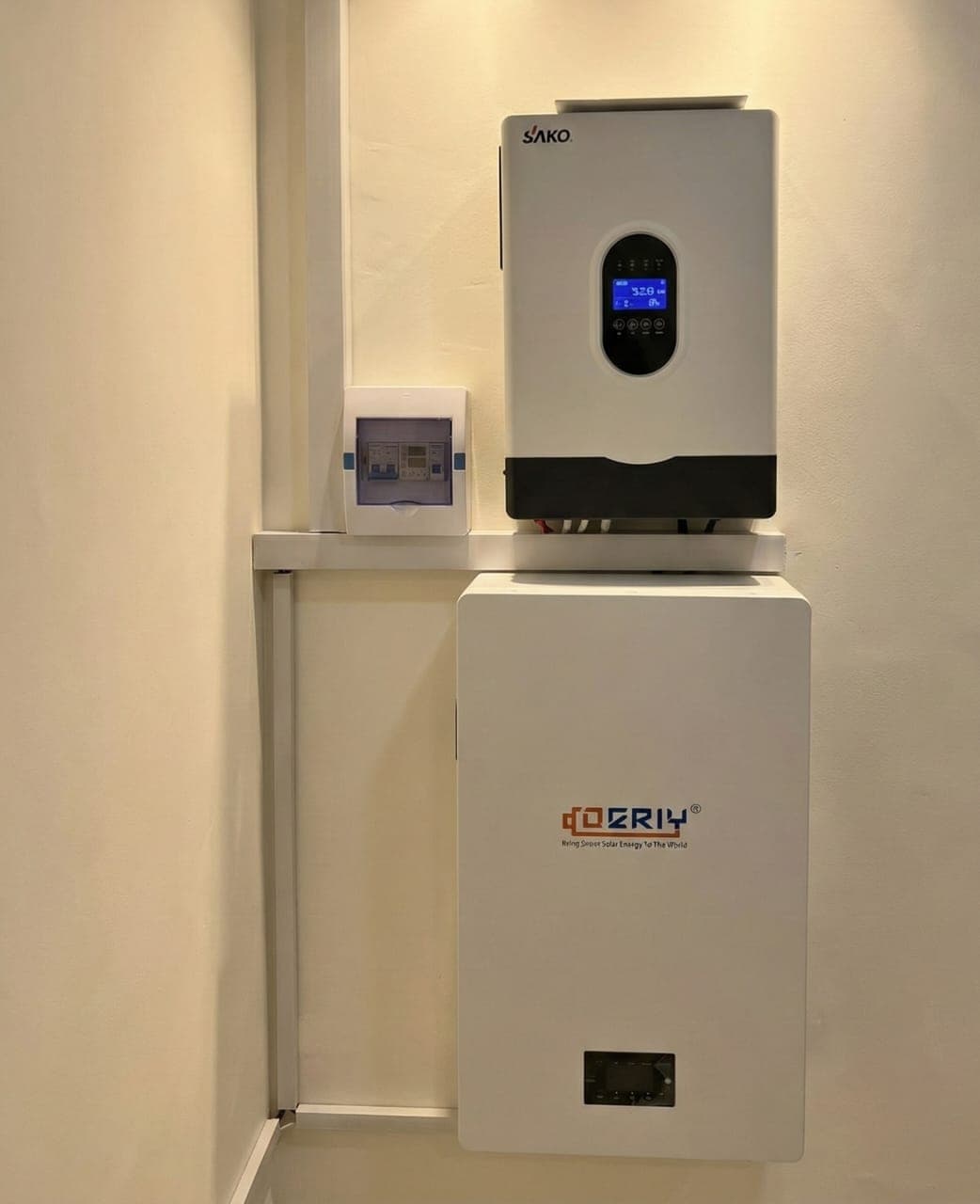
Suggested system

  • 3kVA hybrid inverter
  • 5kWh lithium battery
  • Four 600W panels

From about ₦2.8M installed. See 3kVA solar price.

Bonus: quiet calls

No generator hum on your meetings. No fumes in your room.

Frequently asked questions

How much solar do I need to work from home?

A 3kVA system with about 3kWh of lithium battery and four 600W panels covers a typical laptop, monitor, router, fan and lights setup.

Can I run a desktop computer on solar?

Yes. A desktop with a monitor uses about 150W to 400W depending on the model. Size the system a bit larger for gaming PCs.

Will a power cut drop my internet call?

Not with a hybrid inverter set to battery or solar mode. The switch-over is fast enough for laptops and routers.

Want a system sized for your home?

Tell us your state, area, building type and what you want to power. We reply on WhatsApp with a recommendation and book a free site assessment anywhere in Rivers, Delta or Bayelsa.

Tell us your area, building type and what you want to power. We reply on WhatsApp with a recommendation and book a free site assessment.

Call +234 705 949 7792