
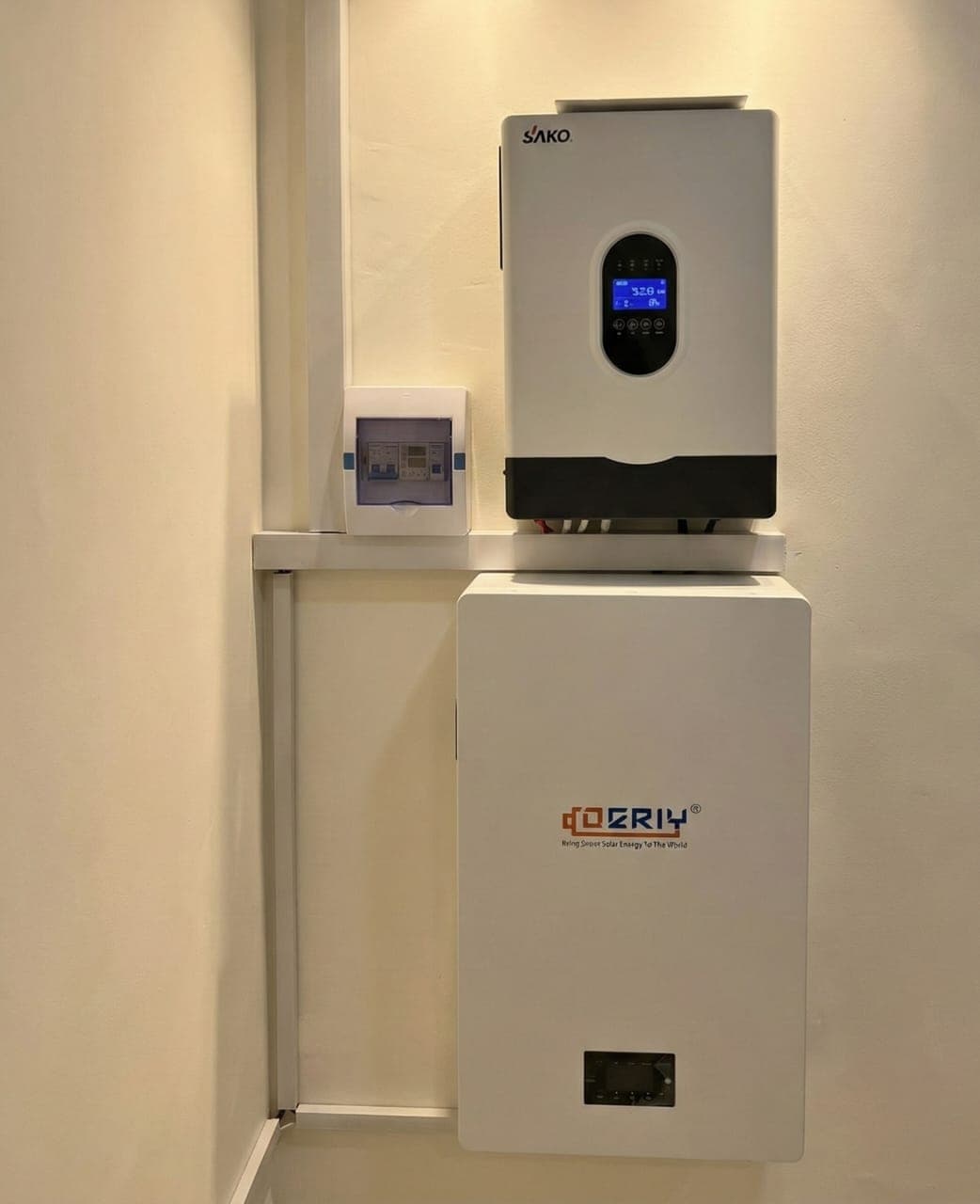
Beep. Beep. Beep. Your inverter is trying to tell you something. Here is what it usually means.
Common reasons
| Screen / sign | Likely cause | What to do |
|---|---|---|
| Overload icon, load % high | Too many things on | Switch off iron, kettle, AC, pump |
| Battery icon low | Battery nearly empty | Reduce load, let it charge |
| Grid / AC input warning | NEPA voltage too low or high | Wait, or check input settings |
| Temperature icon | Inverter too hot | Improve airflow, clear dust |
| Fault code (e.g. 0x, F-) | Internal or wiring fault | Photo it, call installer |
First steps
- Read the screen. Note the code or icon.
- Switch off heavy loads.
- Check airflow around the inverter.
- Wait a few minutes. Many warnings clear.
- Still beeping? Take a photo and send it to your installer.
Do not
- Open the inverter.
- Keep resetting it again and again.
- Ignore a burning smell. Switch off at the isolator.
Read inverter overload: what to do and why your battery is not charging.


